How to Record Viber Calls on iPhone
Automatically record your Viber voice calls on iPhone with instant transcription. Perfect for Viber's international calls — keep clear records of every conversation with friends and family abroad.
Automatically record your Viber voice calls on iPhone with instant transcription. Perfect for Viber's international calls — keep clear records of every conversation with friends and family abroad.
Capture every Viber voice call automatically — family chats, work calls, and important conversations are all saved without you lifting a finger.
AI-powered transcription converts your Viber recordings to searchable text.
Your Viber recordings stay on your device and Google Drive. The app records what's on the device — it doesn't break Viber's end-to-end encryption.
Automatic Google Drive integration ensures all your Viber call recordings are safely backed up and accessible from any device worldwide.
Crystal-clear recording quality for both voice and video calls. Built-in audio player lets you listen to recordings directly on your iPhone.
Perfect for Viber's international calls and long-distance conversations — record clear audio of calls to friends and family abroad.
Install the app on your iPhone via TrollStore sideloading. No jailbreak required, and it supports iOS 15 through 18.
Place or receive Viber voice or video calls exactly as you normally would. Recording starts automatically at the device level — nothing to press.
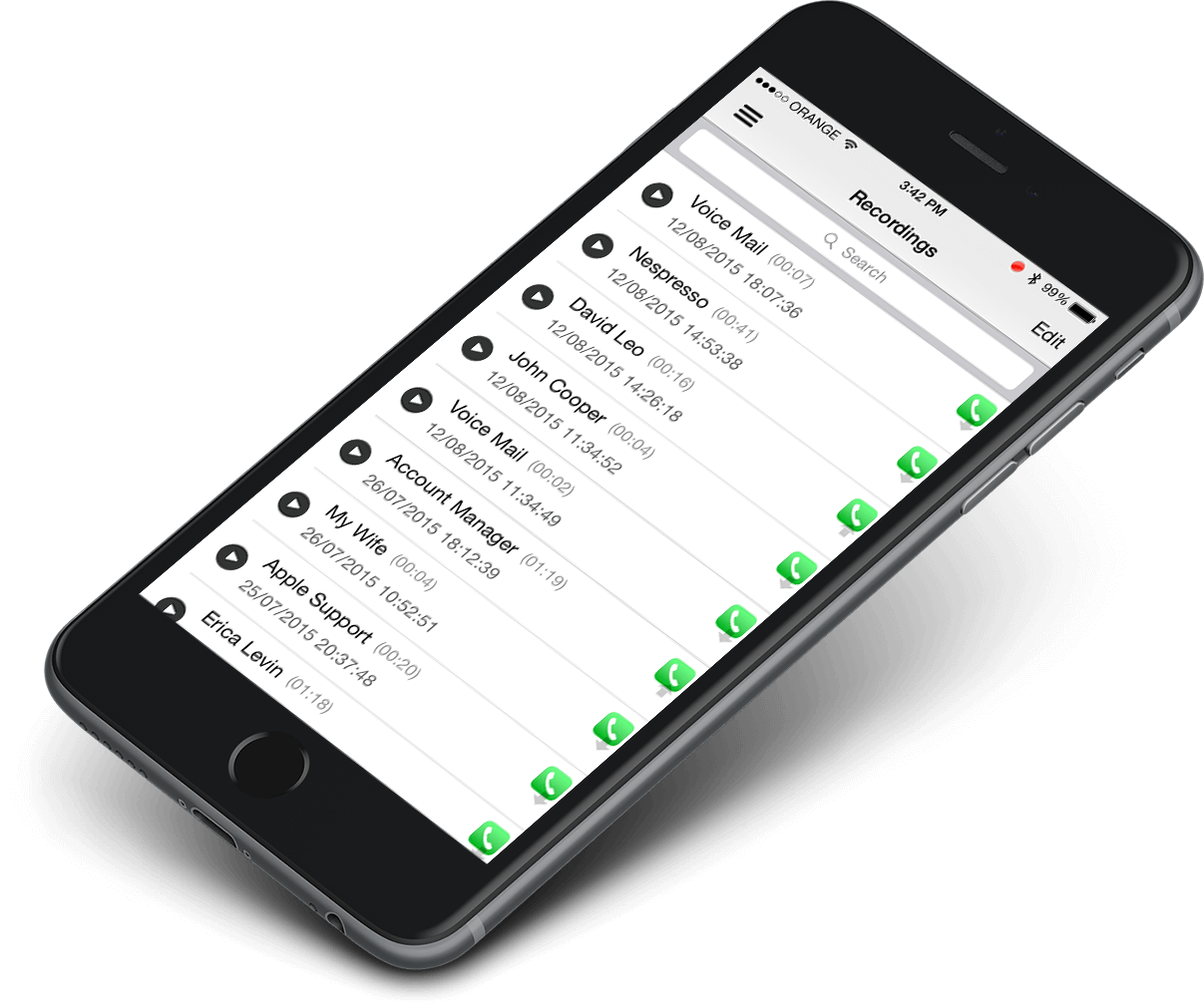
Find every recording in the app, read the instant speech-to-text transcript, and back up important calls to your Google Drive.
Every Viber voice call is recorded automatically in clear two-sided audio. The built-in transcript turns each conversation into searchable text you can review anytime.
Call Recorder X+ records the audio of your Viber video calls. You get the complete conversation captured as audio — the video picture itself is not saved — so nothing important is ever lost.
🎉 Use coupon code LOWESTEVER for just $0.99/month!
🔥 Start recording Viber calls immediately
Record important business discussions, client meetings, and professional consultations over Viber. Keep accurate records of every work conversation.
Capture precious moments with family and friends on Viber. Preserve the conversations that matter, near or far.
Viber is built for international calling. Record crystal-clear audio of calls to friends, family, and colleagues overseas.
Record customer service interactions and support calls over Viber for quality assurance and training purposes.
Install Call Recorder X+ on your iPhone via TrollStore sideloading — no jailbreak needed. After that, every Viber voice call is recorded automatically at the device level. You do not need to start recording manually.
Yes. It records the audio of your Viber video calls, so the full conversation is captured even though the video picture itself is not saved.
No — Viber does not send a recording notification to the other side. Call recording laws vary by country and region, so check your local rules about consent before recording.
Your recordings are stored on your iPhone, with an option to back them up automatically to your Google Drive account.
Yes. Call Recorder X+ converts your Viber call recordings into searchable speech-to-text transcripts you can read and search.
No. Call Recorder X+ installs through TrollStore sideloading and works on iOS 15–18 without a jailbreak.
Join thousands of Viber users who trust Call Recorder X+ for their call recording needs.
🚀 Special Deal: Use code LOWESTEVER for $0.99/month on Call Recorder X+! Get Started